

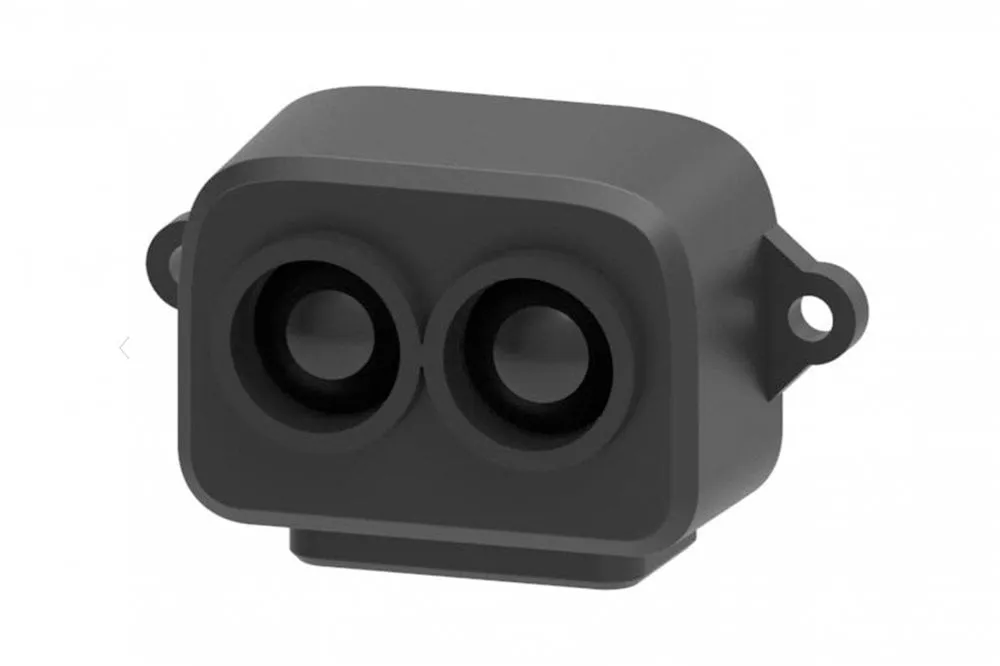
TF-Luna LiDAR Distance Sensor
Component/Hub
Section titled “Component/Hub”The tfluna sensor platform allows you to use the TF-Luna distance sensor
(datasheet) with ESPHome to measure
distances. The sensor works optically by emitting short infrared pulses and measuring the time it takes the light to be
reflected back.
The sensor can measure distances in range 20-800 centimeters, though that figure depends significantly on several conditions like surface reflectance, field of view, temperature etc.
The I²C Bus is required to be set up in your configuration for this sensor to work.
# Example configuration entrytfluna:Configuration Variables
Section titled “Configuration Variables”- id (Optional, ID): Manually specify the ID for this TF-Luna hub. Use this
if you have multiple sensors, so the sensor, button and text sensor platforms can refer to it with
tfluna_id. - update_interval (Optional, Time): The interval to check the sensor.
Defaults to
1s. - address (Optional, int): Manually specify the I²C address of the sensor. Defaults to
0x10. - i2c_id (Optional, ID): Manually specify the ID of the I²C Component. Defaults to the default I²C bus.
Sensor
Section titled “Sensor”The tfluna sensor allows you to use your TF-Luna to perform different measurements.
sensor: - platform: tfluna distance: name: DistanceConfiguration Variables
Section titled “Configuration Variables”- distance (Optional, int): Distance in cm. Published as unknown when the signal strength shows the reading is unreliable (see below). All options from Sensor.
- signal_strength (Optional, int): Signal strength. Below 100 the distance is not reliable; at 65535 the receiver is saturated by ambient light, for instance when the sensor faces the sun outside. All options from Sensor.
- temperature (Optional, float): Sensor temperature in degrees Celsius. All options from Sensor.
- timestamp (Optional, int): Milliseconds since the TF-Luna booted. All options from Sensor.
- tfluna_id (Optional, ID): Manually specify the ID for the TF-Luna component if you are using multiple components.
Button
Section titled “Button”The tfluna button allows you to perform actions on your TF-Luna.
button: - platform: tfluna factory_reset: name: "factory reset" restart: name: "restart"Configuration Variables
Section titled “Configuration Variables”- factory_reset (Optional): This command is used to restore all configuration values to their original values. All options from Button.
- restart (Optional): Restart the device. All options from Button.
- tfluna_id (Optional, ID): Manually specify the ID for the TF-Luna component if you are using multiple components.
Text Sensor
Section titled “Text Sensor”The tfluna text sensor allows you to get information about your TF-Luna.
text_sensor: - platform: tfluna version: name: "firmware version"Configuration Variables
Section titled “Configuration Variables”- version (Optional): The firmware version. All options from Text Sensor.
- tfluna_id (Optional, ID): Manually specify the ID for the TF-Luna component if you are using multiple components.