

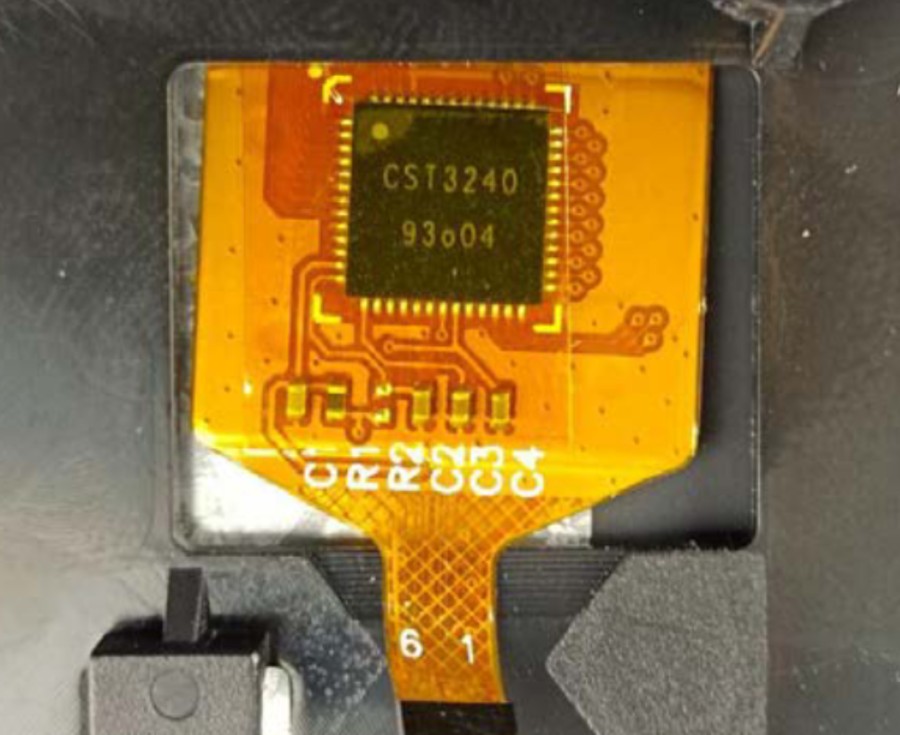
CST3240 Touch Screen Controller
The cst3240 touchscreen platform allows using the multitouch screen controller CST3240 with ESPHome.
It handles both interrupt (recommended for the auto standby mode) and polling modes.
The touchscreen resolution is set automatically by the linked display, like other ESPHome touchscreen components.
Unless calibration is set, the touch range is read from the chip’s firmware settings.
The X and Y axes can be exchanged with the transform option swap_xy.
The I²C is required to be set up in your configuration for this touchscreen to work.
This controller is used on some industrial (CAN/RS485) ESP32-S3 Panels from PanelLan / Wireless Tag.
Base Touchscreen Configuration
Section titled “Base Touchscreen Configuration”# Example configuration entrytouchscreen: - platform: cst3240 interrupt_pin: GPIOXXConfiguration Variables
Section titled “Configuration Variables”-
id (Optional, ID): Manually set the ID of this touchscreen.
-
interrupt_pin (Optional, Pin Schema): The touch detection pin.
-
reset_pin (Optional, Pin Schema): The chip reset pin.
-
All other options from Touchscreen.
Example With a Touch Zone
Section titled “Example With a Touch Zone”touchscreen: - platform: cst3240 id: id_cst3240 display: display0 interrupt_pin: GPIOXX setup_priority: -20 # after display on_release: - logger.log: "Touch released"
binary_sensor: - platform: touchscreen name: "Test Button" touchscreen_id: id_cst3240 # bottom right alarm test x_min: 350 y_min: 200 x_max: 480 y_max: 272 on_click: then: - logger.log: "Test button clicked"