

Captive Portal
The captive portal component in ESPHome is a fallback mechanism for when connecting to the configured WiFi fails.
After 1 minute of unsuccessful WiFi connection attempts, the ESP will start a WiFi hotspot (with the credentials from your configuration)
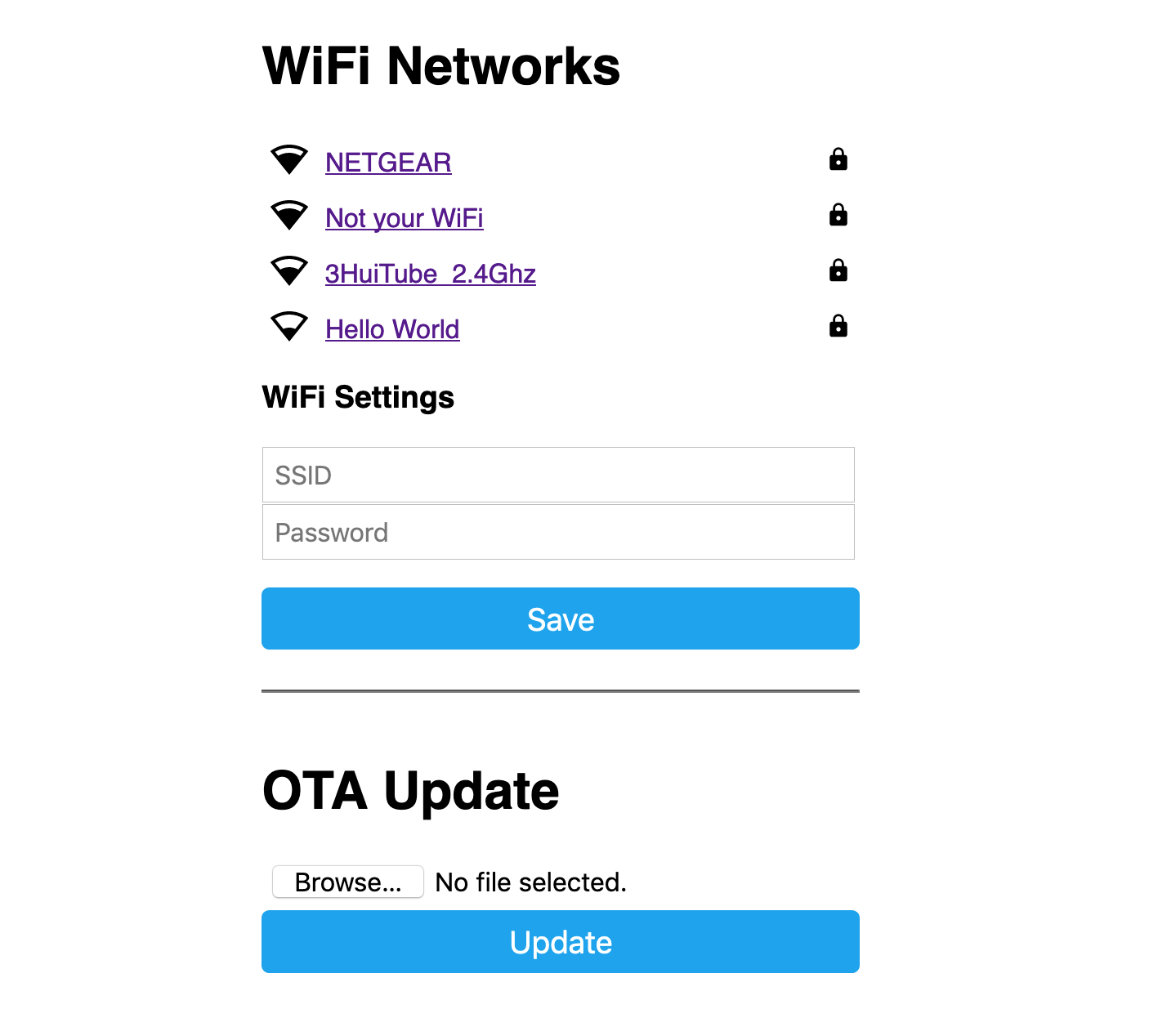
In this web interface, you can manually override the WiFi settings of the device (please note this will be overwritten by any subsequent serial upload so make sure to also update your YAML configuration).
Additionally, you can upload a new firmware file.
When you connect to the fallback network, the web interface should open automatically (see also login to network notifications). If that does not work, you can also navigate to http://192.168.4.1/ manually in your browser.
# Example configuration entrywifi:  # ...  ap:    ssid: "Livingroom Fallback Hotspot"    password: !secret wifi_ap_password
captive_portal:
Configuration variables
Section titled “Configuration variables”- compression (Optional, string): The compression algorithm used for the embedded web assets.
Options are
gziporbr(Brotli). Brotli provides ~24% smaller size than gzip, but some browsers only support Brotli over HTTPS connections. Since the captive portal is served over HTTP, gzip is recommended for maximum compatibility. Defaults togzip.