

PCF8574 I/O Expander
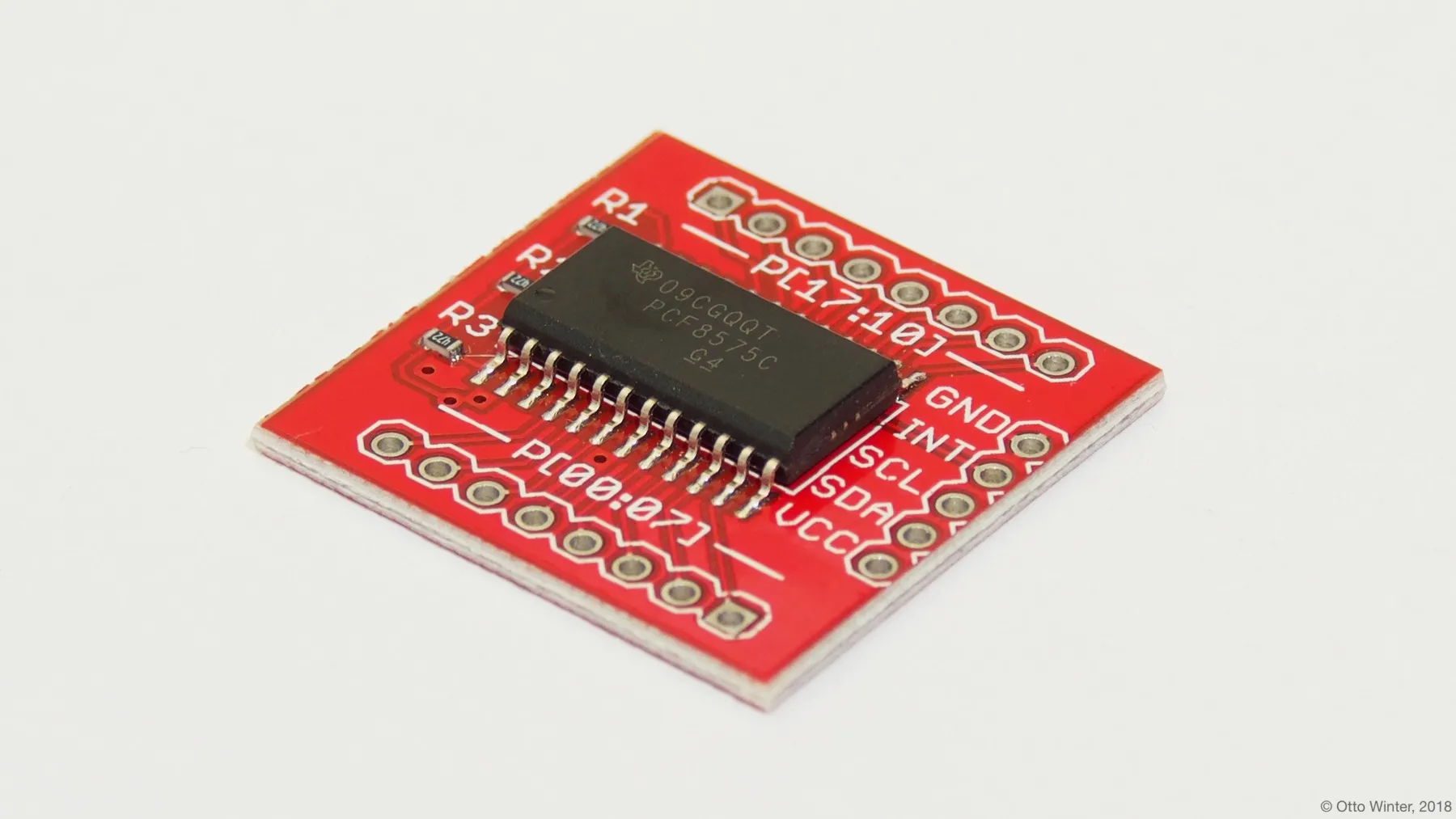
The PCF8574 component allows you to use PCF8574 or PCF8575 I/O expanders (datasheet, SparkFun) in ESPHome. It uses I²C Bus for communication.
Once configured, you can use any of the 8 pins (PCF8574) or 16 pins (PCF8575) as pins for your projects. Within ESPHome they emulate a real internal GPIO pin and can therefore be used with many of ESPHome’s components such as the GPIO binary sensor or GPIO switch.
Any option accepting a Pin Schema can theoretically be used, but some more complicated components that do communication through this I/O expander will not work.
# Example configuration entrypcf8574:  - id: 'pcf8574_hub'    address: 0x21    pcf8575: false
# Individual outputsswitch:  - platform: gpio    name: "PCF8574 Pin #0"    pin:      pcf8574: pcf8574_hub      # Use pin number 0      number: 0      # One of INPUT or OUTPUT      mode:        output: true      inverted: false
Configuration variables
Section titled “Configuration variables”-
id (Required, ID): The id to use for this PCF8574 component.
-
address (Optional, int): The I²C address of the driver. Defaults to
0x21. -
pcf8575 (Optional, boolean): Whether this is a 16-pin PCF8575. Defaults to
false. -
interrupt_pin (Optional, Pin Schema): The pin connected to the INT output of the PCF8574/PCF8575. When configured, the component becomes interrupt-driven instead of polling — it only reads the chip when a pin actually changes state, significantly reducing I²C bus traffic and CPU usage. The INT pin is active-low and open-drain, so an external or internal pull-up resistor is required. Must be an internal GPIO pin (not another expander pin).
NOTE
If you use PCF8575, pin numbers are from 0 to 15, not 0 to 7 and 10 to 17 as datasheet states!
Pin configuration variables
Section titled “Pin configuration variables”-
pcf8574 (Required, ID): The id of the PCF8574 component of the pin.
-
number (Required, int): The pin number.
-
inverted (Optional, boolean): If all read and written values should be treated as inverted. Defaults to
false. -
mode (Optional, string): A pin mode to set for the pin at. One of
INPUTorOUTPUT.